> For the complete documentation index, see [llms.txt](https://wiki.nushackers.org/llms.txt). Markdown versions of documentation pages are available by appending `.md` to page URLs; this page is available as [Markdown](https://wiki.nushackers.org/orbital/readme-1/browser-dev-tools.md).
# Browser Developer Tools
For this guide, Mozilla Firefox will be our browser of choice because of its powerful, wide-ranging and easy-to-use developer tools. Feel free to use any browser of your choice, keeping in mind that not all features may be available in the same form as with Firefox.
## Removing distractions
When first learning JavaScript, it is customary to open a blank page on your browser to give your Browser Console a clean slate. To do so, open a new tab in your browser and type the following:
```
about:blank
```
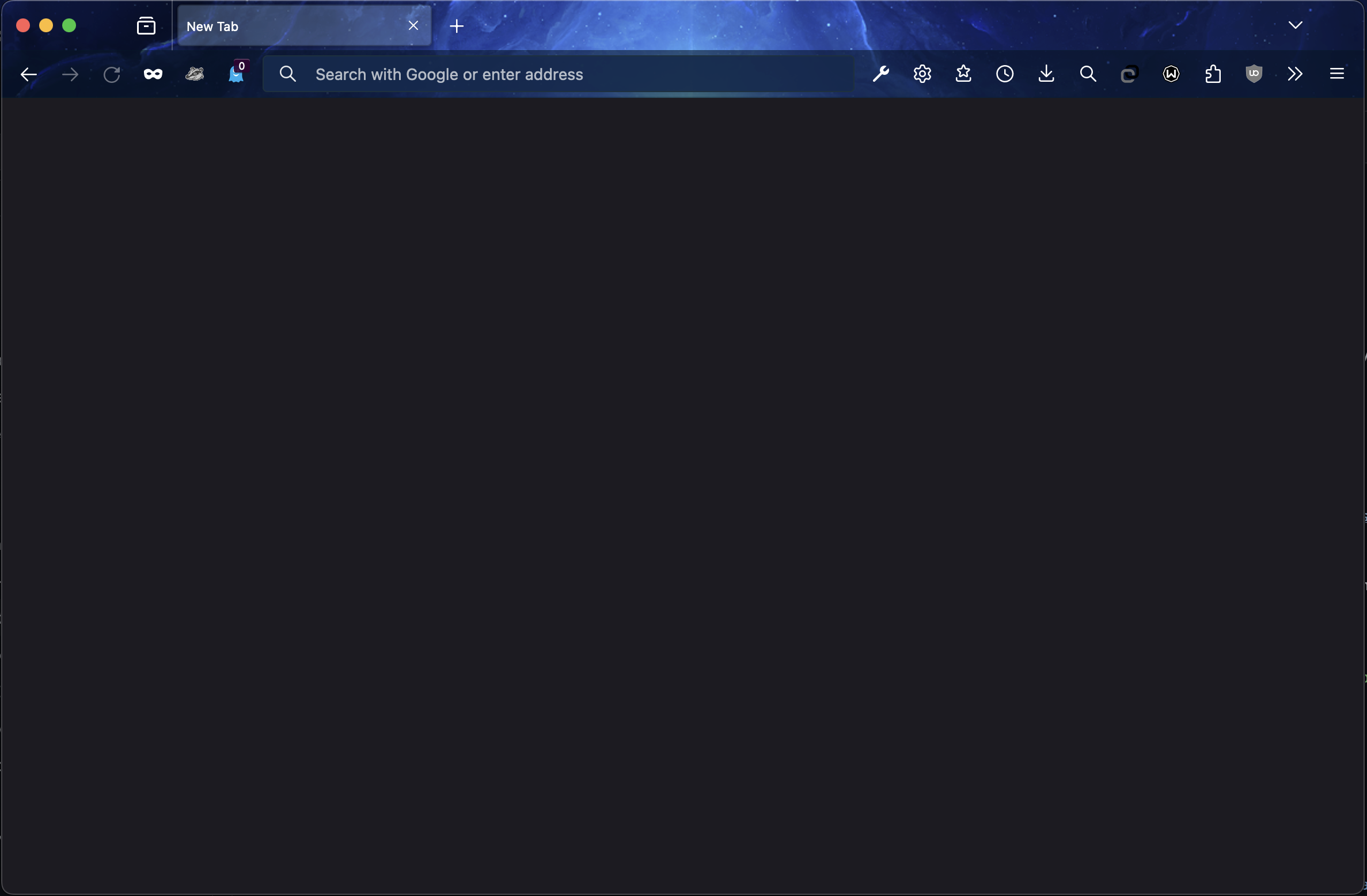
and press enter. You should see a completely blank white (or black, based on your settings) page.
Blank page in Firefox (dark mode)
## Opening the Developer Tools
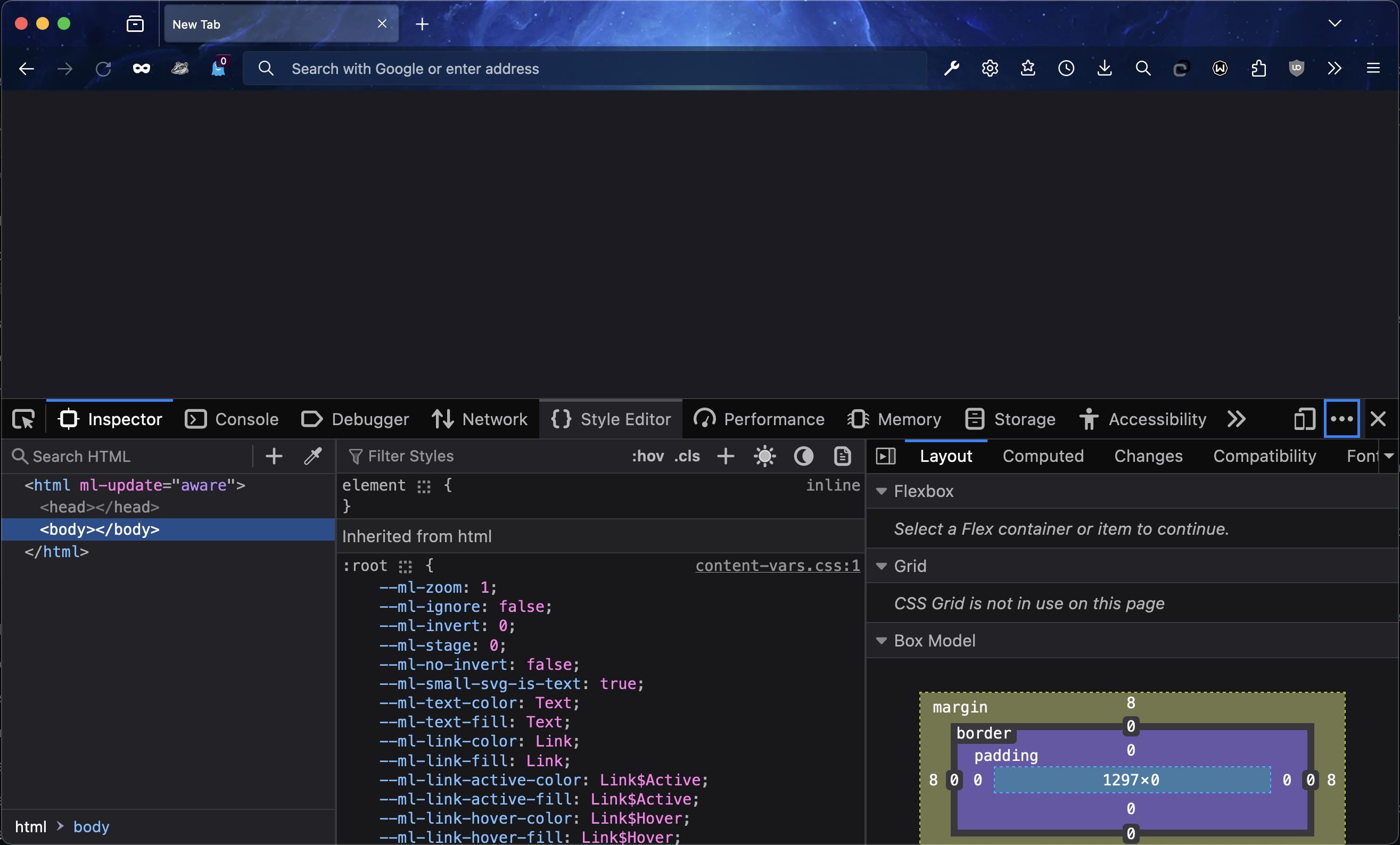
To open up the Browser Developer Tools, navigate to a blank page and just use the keyboard shortcut `f12` or `fn + f12` (based on your keybinds). This should open up the Dev Tools window, which is resizable and can be placed on any side of the screen you want (except the top).
Dev Tools in Firefox
## Navigating the Tools Menu
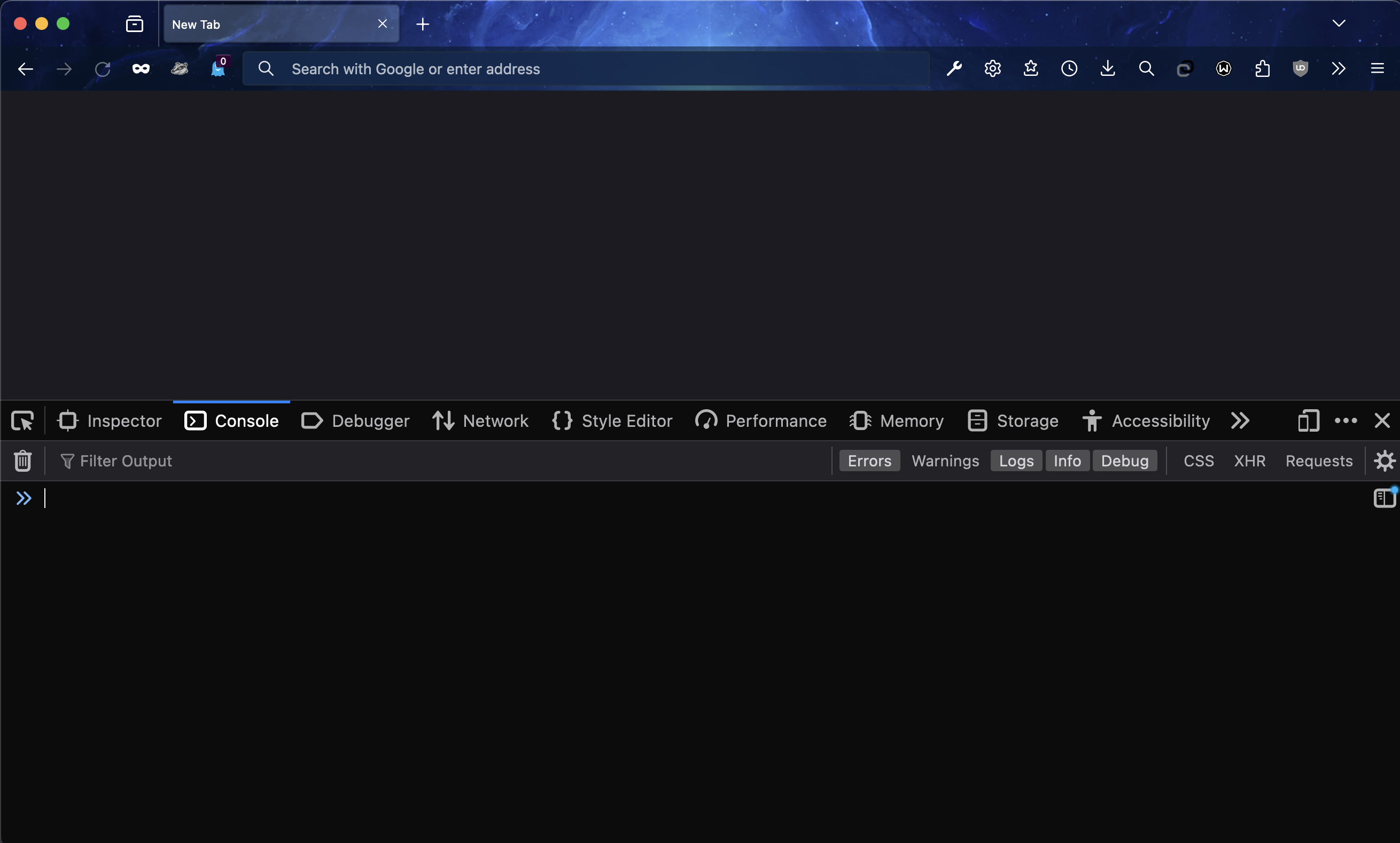
You'll see a few tabs at the top of the window labelled with names like `Inspector`, `Console` and `Style Editor` (depending on the browser). Navigate to the `Console` tab by clicking on it. You should see a, well, console with your typing cursor targetted on the first line. This is where you will write all your JavaScript code for the first part of this guide.
The Console in Firefox
## Next steps
Next you'll get started with using the console to execute some JavaScript code.